
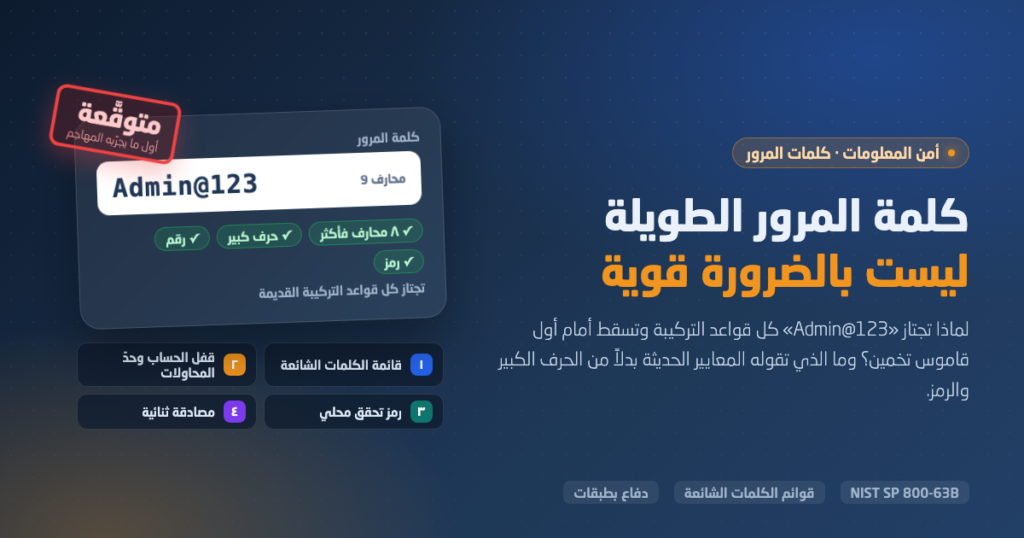
For many years, password policies were built on one recipe: at least eight characters, an uppercase letter, a number and a symbol. The result? A password like Admin@123 passes this recipe with flying colours, and at the same time it is one of the first things any automated guessing tool tries. The problem is not the password's length or the variety of its characters, but the fact that it is predictable.
What changed in security thinking. Modern guidance, led by the latest version of the NIST SP 800-63B standard, has turned the old rule upside down: do not force users into a specific mix of letters and symbols, but check their password against a list of common and leaked passwords, and reject it if it is on the list. The reason is simple: an attacker does not try every possibility, but starts with a dictionary of a few thousand words that opens a staggering share of accounts.
How a "common passwords" check works in practice. A naive check compares the password as-is with a fixed list, so it is fooled by the simplest trick: P@ssw0rd is not literally password. A good check goes through four steps:
- Normalisation: convert the password to lowercase and remove spaces.
- Undo common substitutions: @ becomes a, 0 becomes o, 3 becomes e and $ becomes s. P@ssw0rd then turns into password and is rejected.
- Separate the root from the tail: the letters alone are compared with a list of known roots (admin, welcome, test, names of cities and institutions), and the tail is checked for trivial sequences such as 123 or a year. This knocks out Welcome2026, Admin@123 and Baghdad1234 together.
- Structure rules: numbers only, a repeated character, a keyboard sequence such as qwerty, or a password that contains the username itself.
These steps need no external service and no huge database; a list of a few hundred roots is enough to knock out the vast majority of the passwords attackers start with.
Checking alone is not enough: what about existing accounts? Rejecting weak passwords when a new one is created does not fix the thousands of accounts created before the policy was turned on. The practical solution is to assess each account at the moment of sign-in: if its password is on the blocklist, the user is held on the change-password screen and cannot reach any other screen until they choose an acceptable password. The hold must be real, enforced on the server, not just an initial redirect the user can bypass by typing another link.
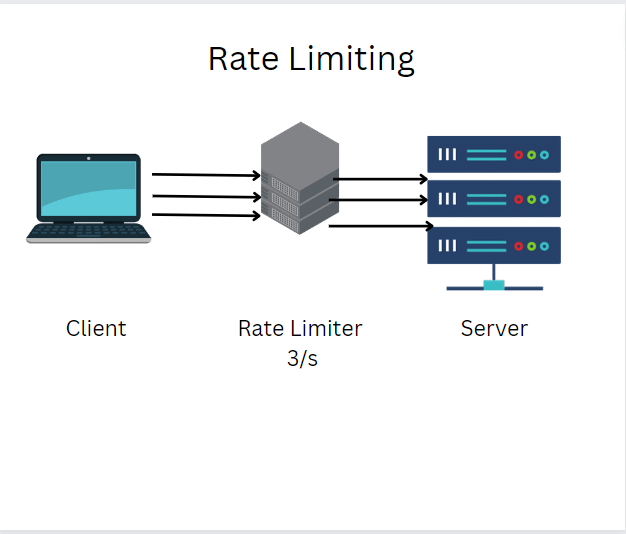
Layered defences. A strong password is necessary but it is not the only layer: lock the account after a limited number of failed attempts, limit attempts per network address per minute, show a visual verification code only after failed attempts (it can be generated locally as a distorted vector image, so it works inside closed networks), and make two-factor authentication with authenticator apps mandatory, at least for administrator accounts. Order matters: the verification code is checked before the user database is reached, so an automated attack targeting a known username does not use up attempts or lock accounts.
Conclusion. A password's strength is measured by how hard it is to predict, not by its length, and modern standards say it plainly: check against lists of common passwords, drop strict composition rules, and build defence in integrated layers. The password that passes every composition rule may be the first thing that comes to an attacker's mind.



























 English
 Arabic
